For dental practices

Let patients see their new smile before the treatment conversation starts

AI smile simulation software for dental practices. Turn one photo into a photorealistic smile simulation for consultations and case presentations.

Start now to get 5 free credits.
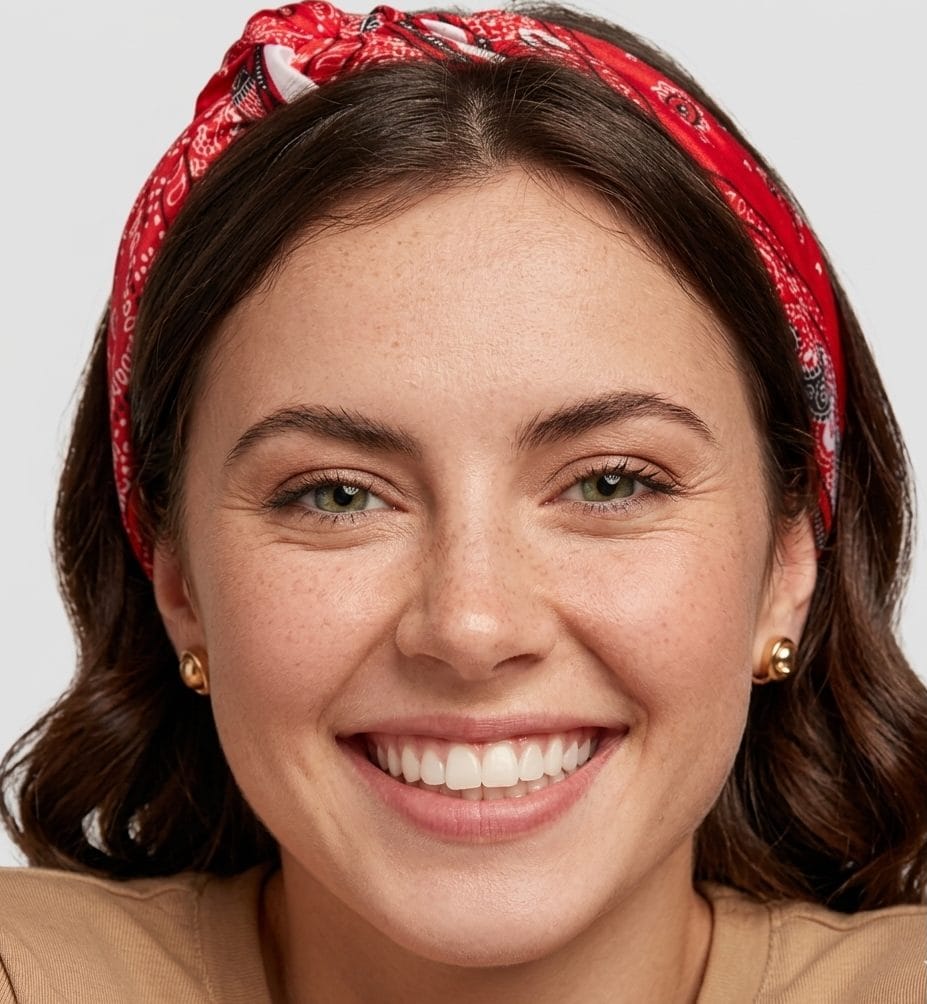
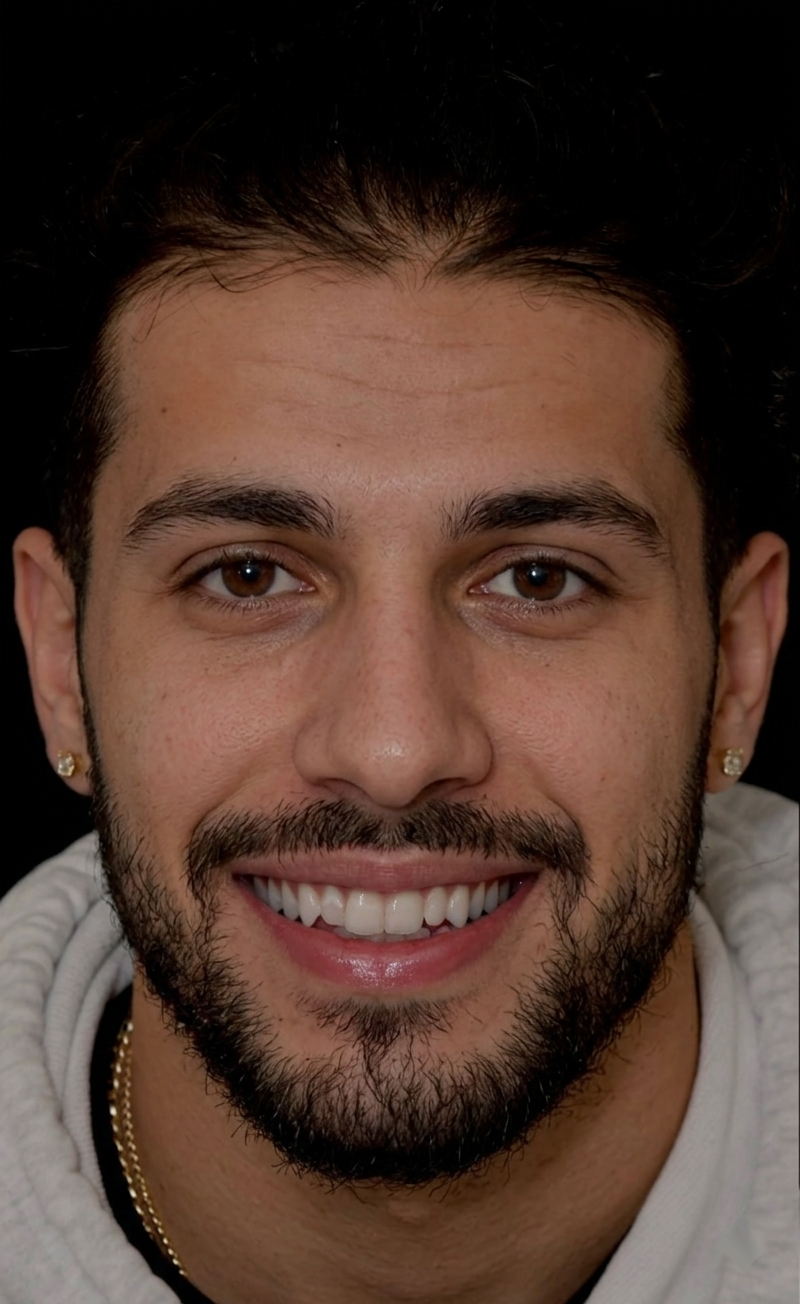
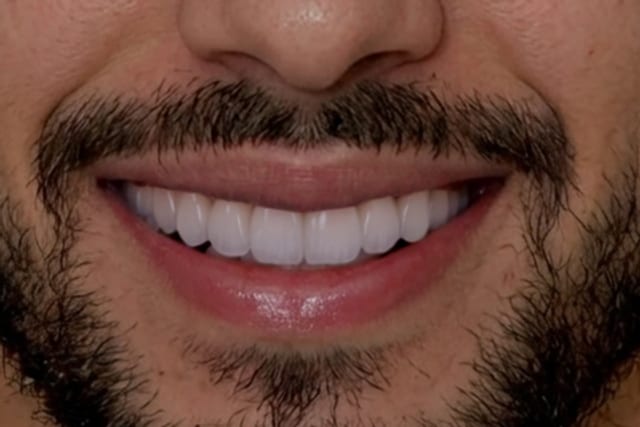
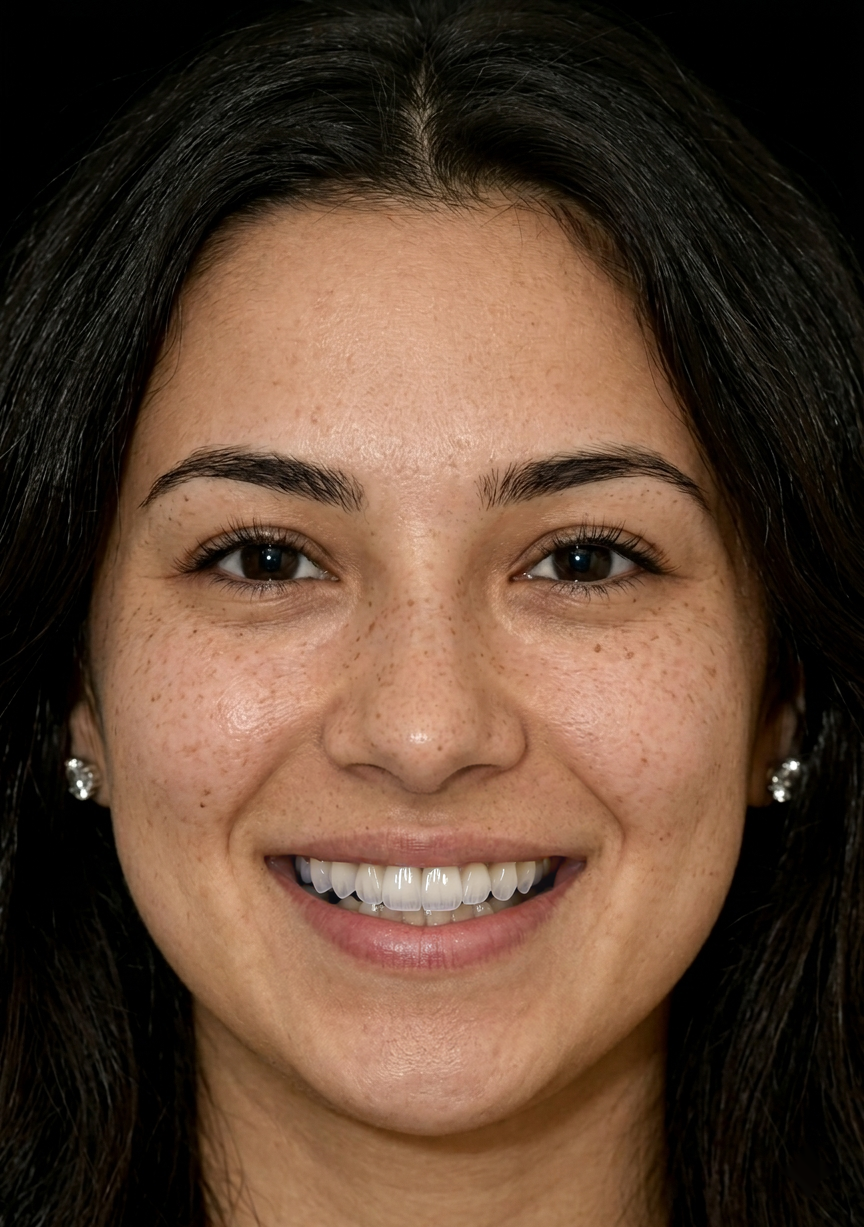
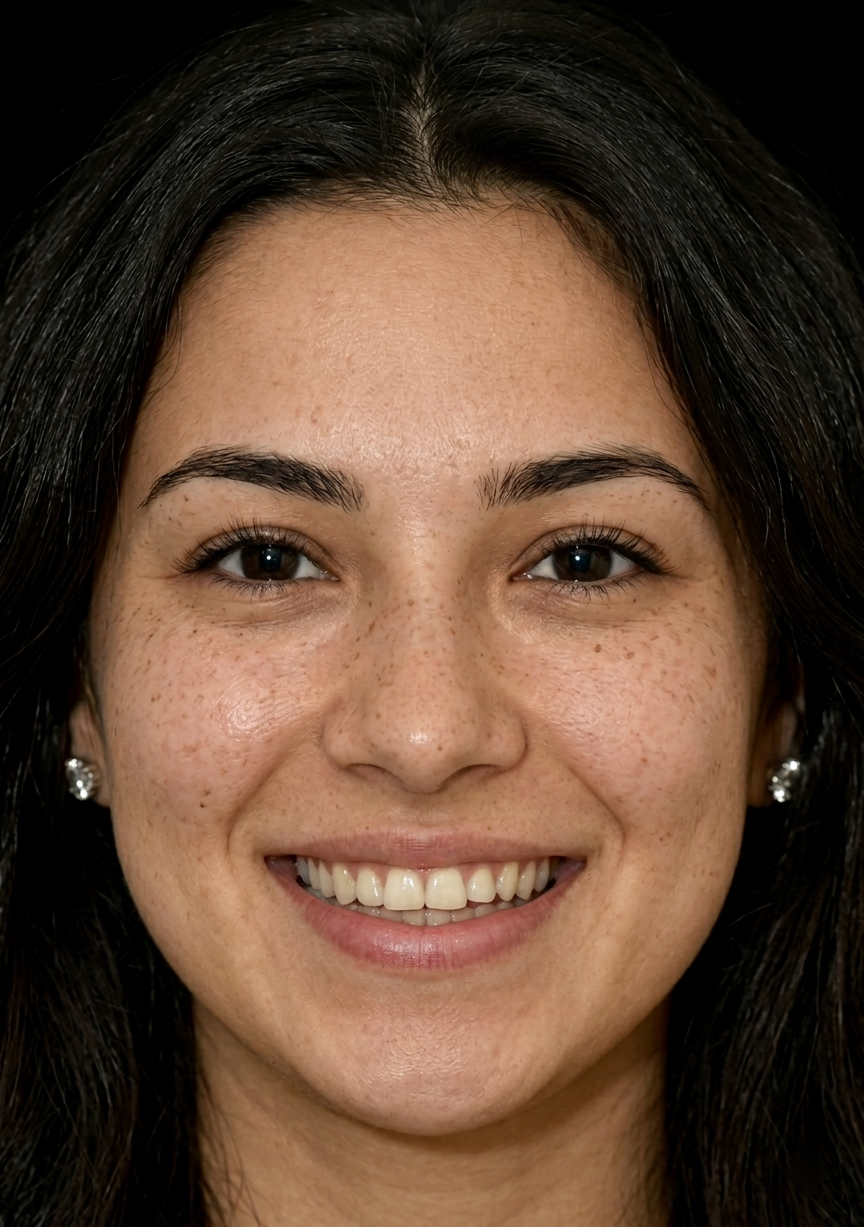
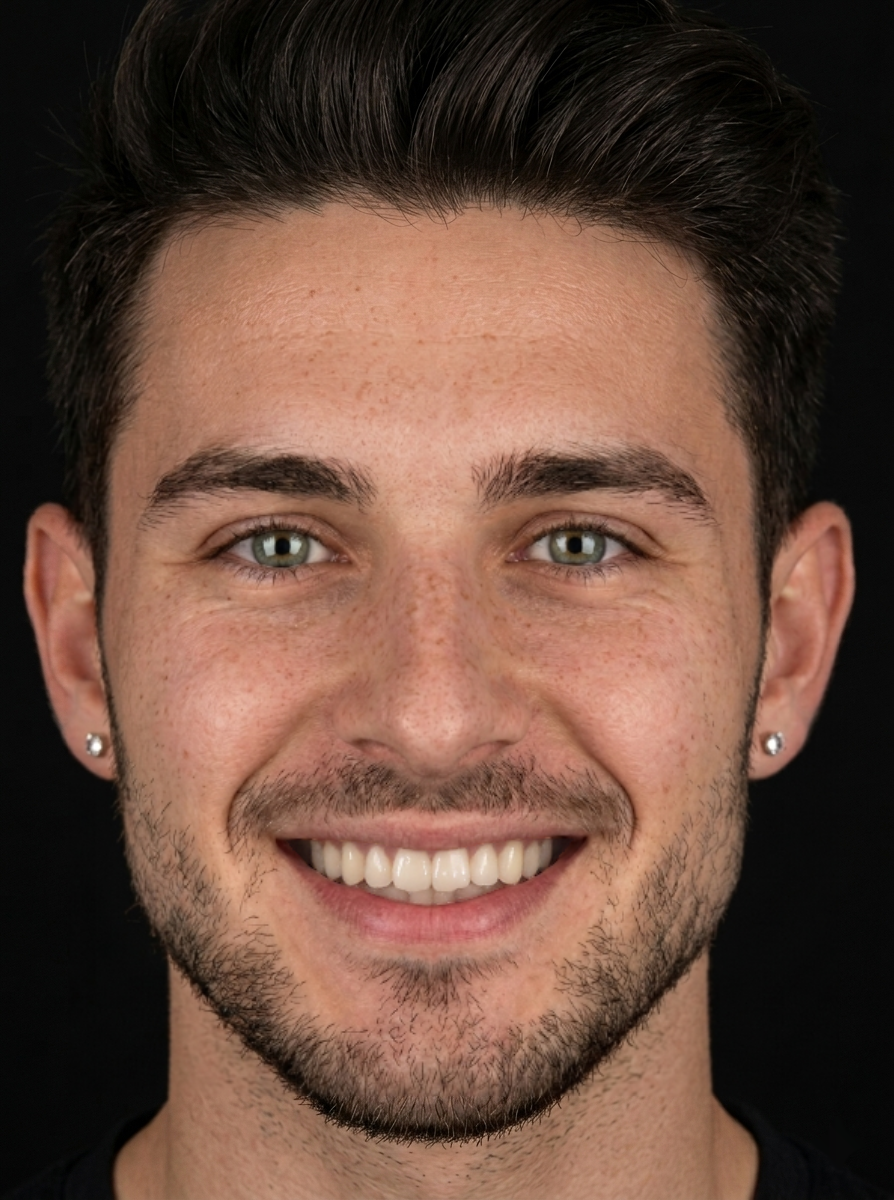
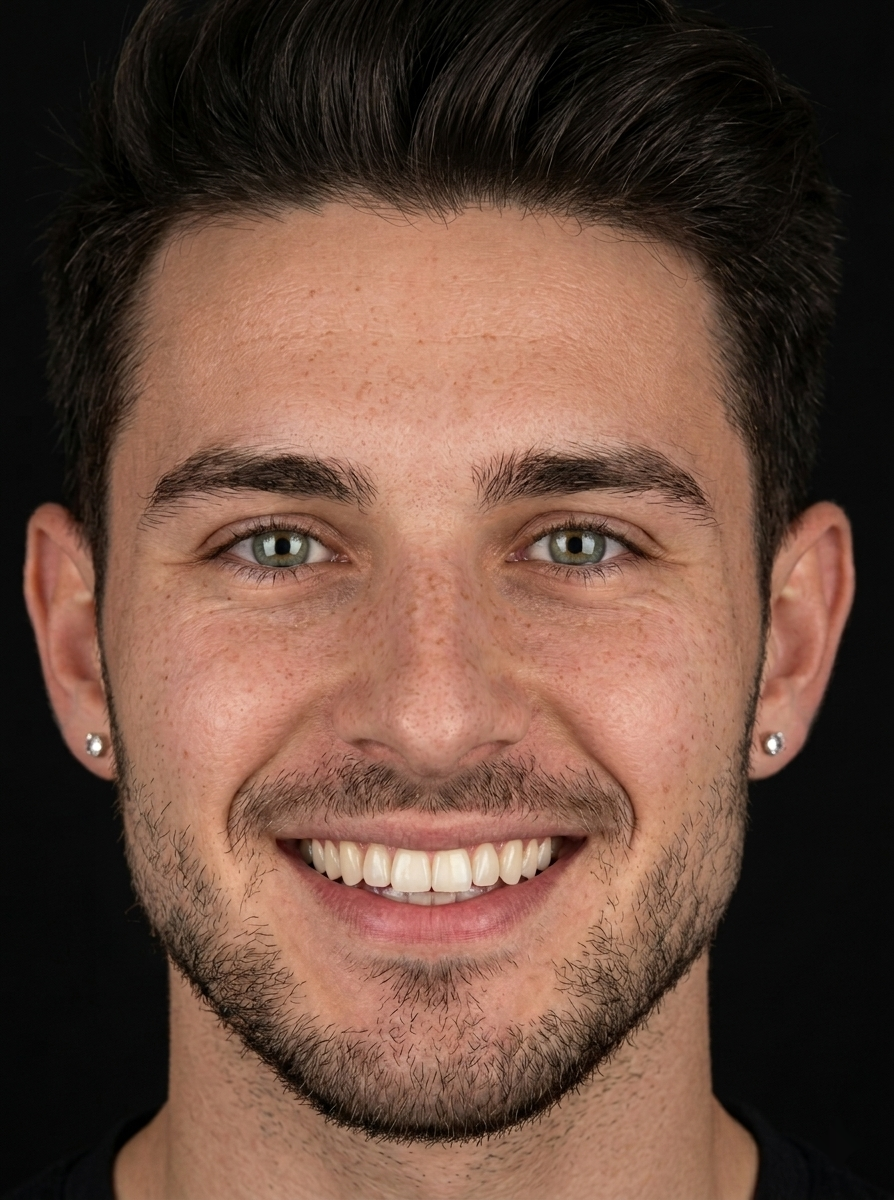
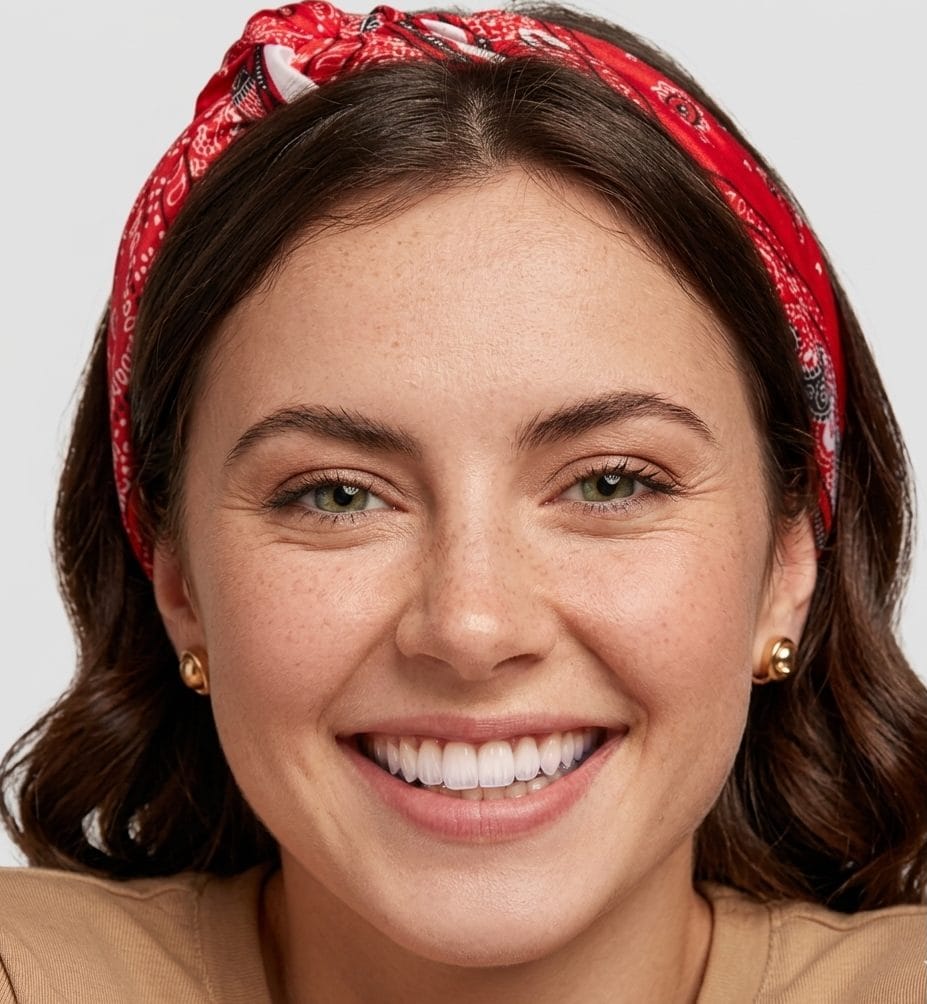
Patient smile before simulation Photorealistic smile simulation after a makeover
Before (left) and After (right)
Photorealistic smile simulation after a makeover Use the left and right arrow keys to move the comparison divider. Hold Shift with the arrow keys to move in larger steps. Home and End jump to the edges.

More examples

Trusted by dental practices

120+
dental practices using SmileCraft
60%
higher case acceptance vs verbal-only consultations
<20s
simulation time from photo to result
15,000+
smiles generated

Five ways to run the simulation

Makeover, whitening, shade, alignment, and video — then three steps from a frontal photo to a consult-ready result.

From photo to consult

  1. Step 1

    Upload a photo

    A frontal photo with a natural, open smile — a phone picture works.

  2. Step 2

    Generate the simulation

    Choose the operation and options; the simulation renders on the patient's own face.

  3. Step 3

    Show the patient

    Walk through the outcome in the consultation, or send the comparison to the lab.
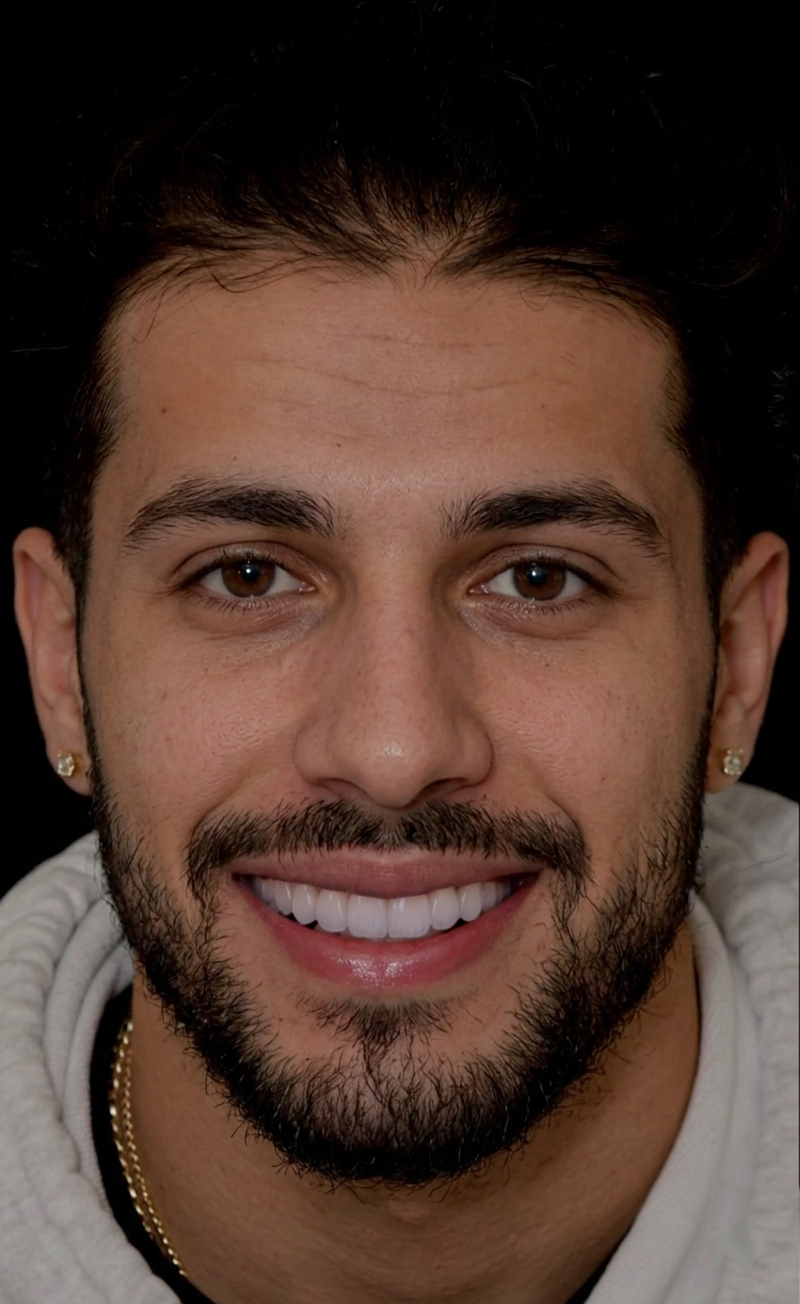
Realism practices rely on

Close-up quality and the web app your team opens every day.
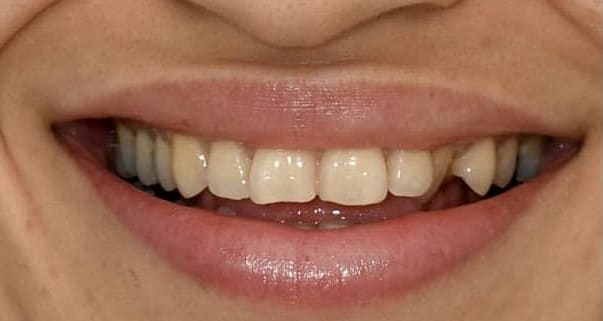
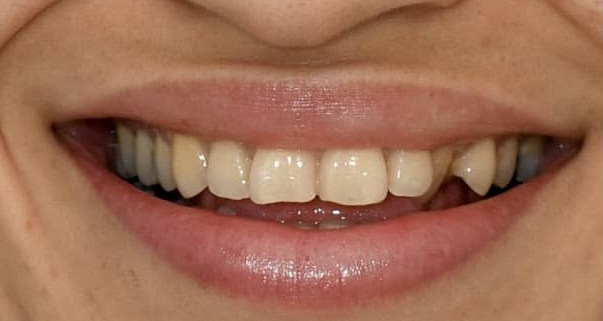
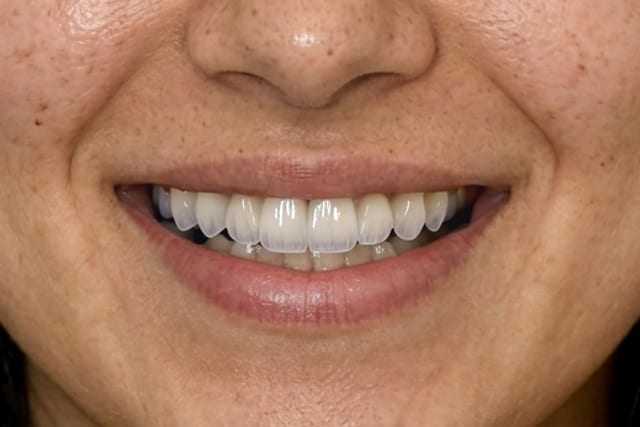
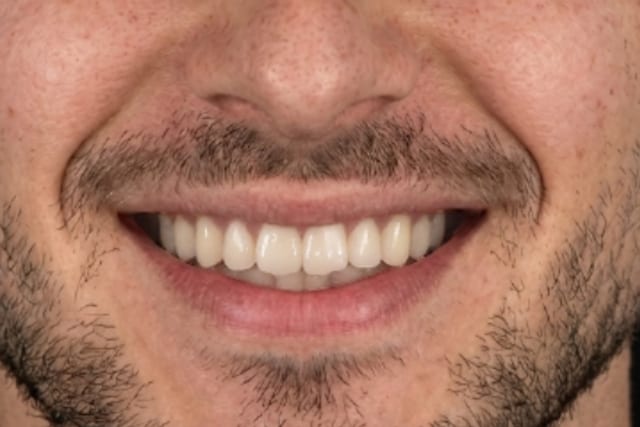
Close-up of a patient's natural smile before simulation
Before — natural smile
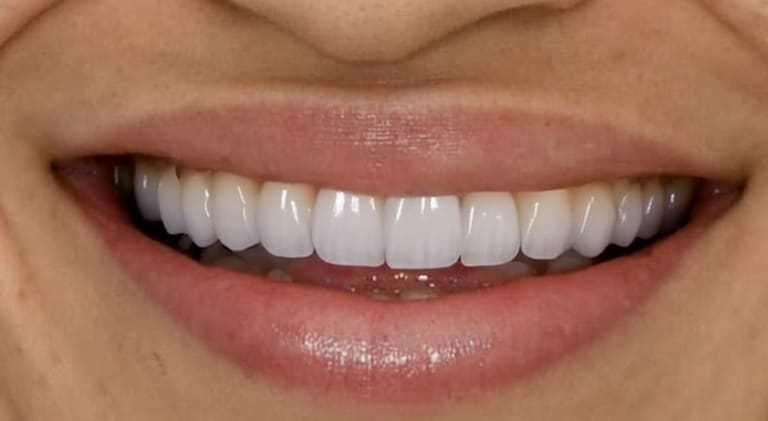
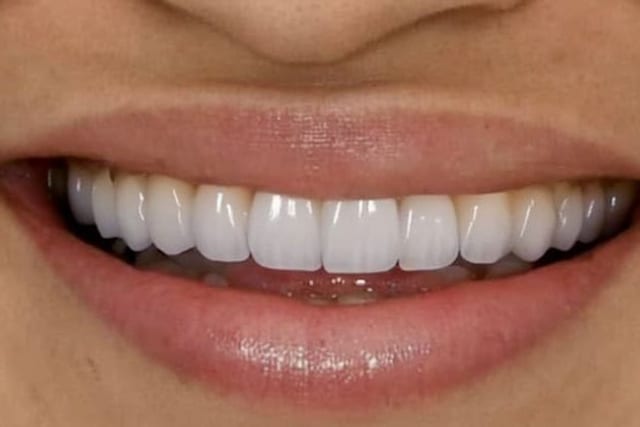
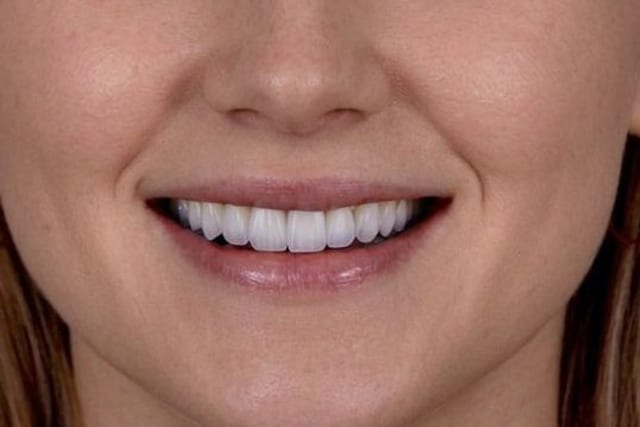
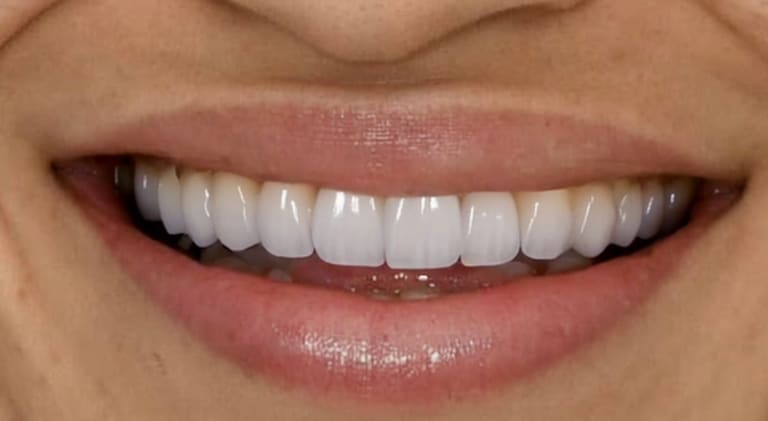
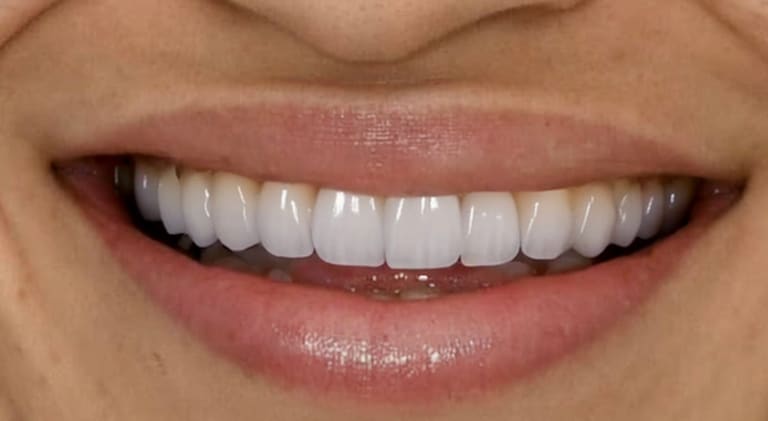
Close-up of the simulated smile showing texture and gum detail
After — simulated smile
  • Natural tooth texture and gum line
  • Consistent lighting across the edit
  • Seamless blend on the patient's own photo
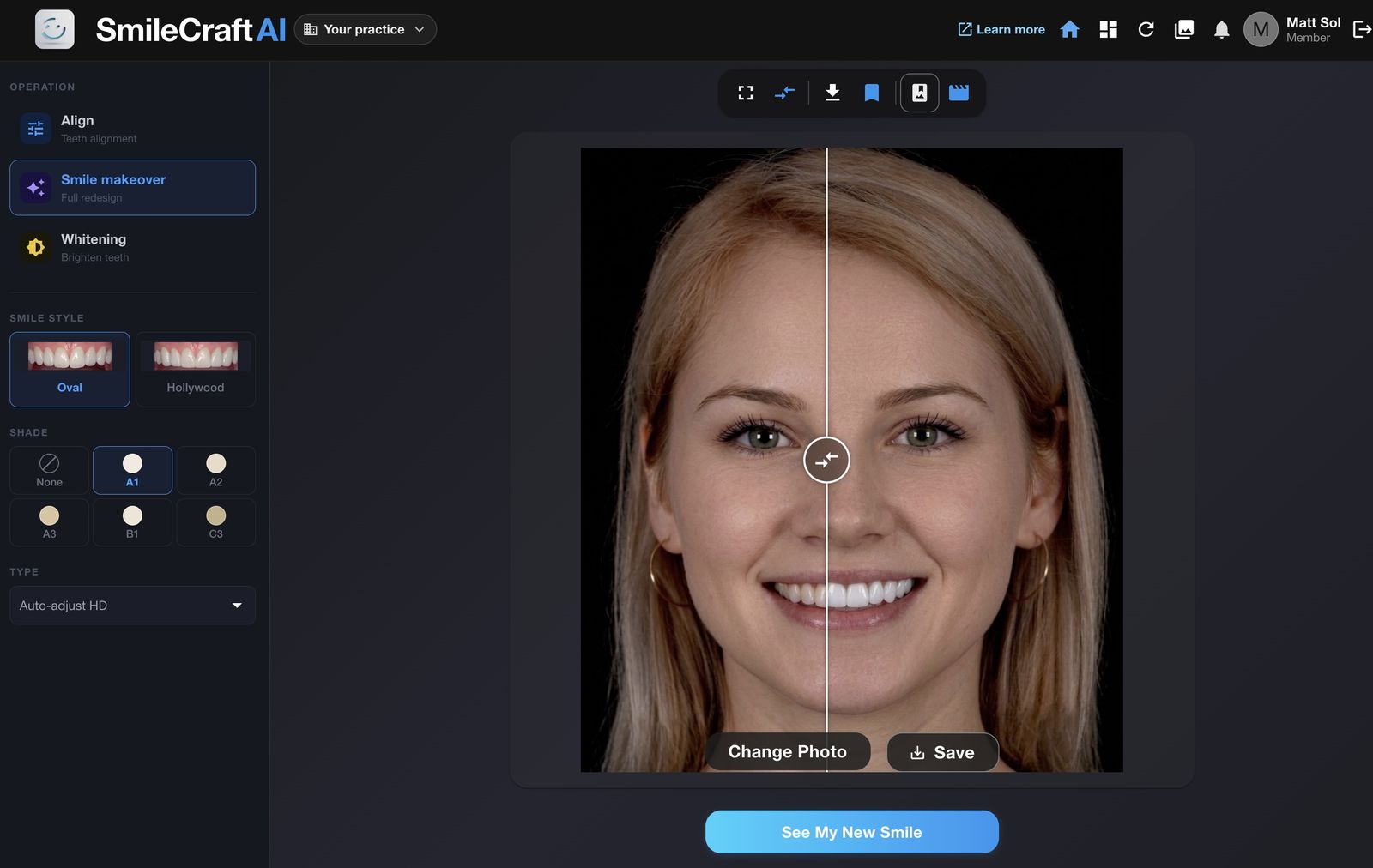
app.smilecraft.app
SmileCraft web app showing a smile makeover simulation next to the original photo
The web app your practice would use in consultation.

Simulations are visualisations produced by software; they are not a treatment plan or a promise of a clinical outcome. See the Terms of Service.

Where a simulation is used

Consults, marketing, and the lab each get a different job from the same preview.

A smile preview on the chair-side screen

Patient consultation

Put a photorealistic preview on the chair-side screen so treatment talk starts from a shared picture, not imagination.

  • Chairside smile previews
  • Multiple style options
  • Clearer case conversations
See the veneers use case
A simulated smile in a social post Simulation

Marketing material

Build before/after content for your site and social channels from simulated examples, labelled as simulations.
  • Social-ready frames
  • Website portfolio assets
  • Campaign visuals without a photoshoot
Consent guidance for marketing
The approved smile, marked for the lab Approved by patient

Laboratory guidance

Send the approved visual to your lab so restoration design starts from the same goal the patient signed off on.

  • Shared design reference
  • Style and shade context
  • Fewer revision loops
For dental laboratories

Ready to try it with your own cases?

See pricing Book a demo

Illustrative example

For dental laboratories

The laboratory page covers the partner portal, materials, and style catalogue.
  • White-label, lab-branded portal
  • Your models and materials integrated
  • Per-lab style catalogues
Elite Dental Laboratory Portal #SC-2025-001
Simulated smile approved for the case
Material
E-max Press
Style
Hollywood Natural
  1. Approved by patient
  2. Shared with lab
All data in this illustration is fictional.

Built for platforms

Two integration paths for DSOs, aligner brands and software platforms.

REST API

Server-to-server smile simulation with async jobs and webhooks.

  1. Upload Request a short-lived upload slot, then PUT the image from your backend.
  2. Create job Choose operation and options. Receive a job id immediately.
  3. Poll or webhook Poll job status, or register an HTTPS webhook. Download the time-limited result URL when complete.
An illustration of the flow. Explore the API docs

Claude connector

Run SmileCraft simulations from a chat conversation via MCP.

An illustration of a chat. Read the connector docs
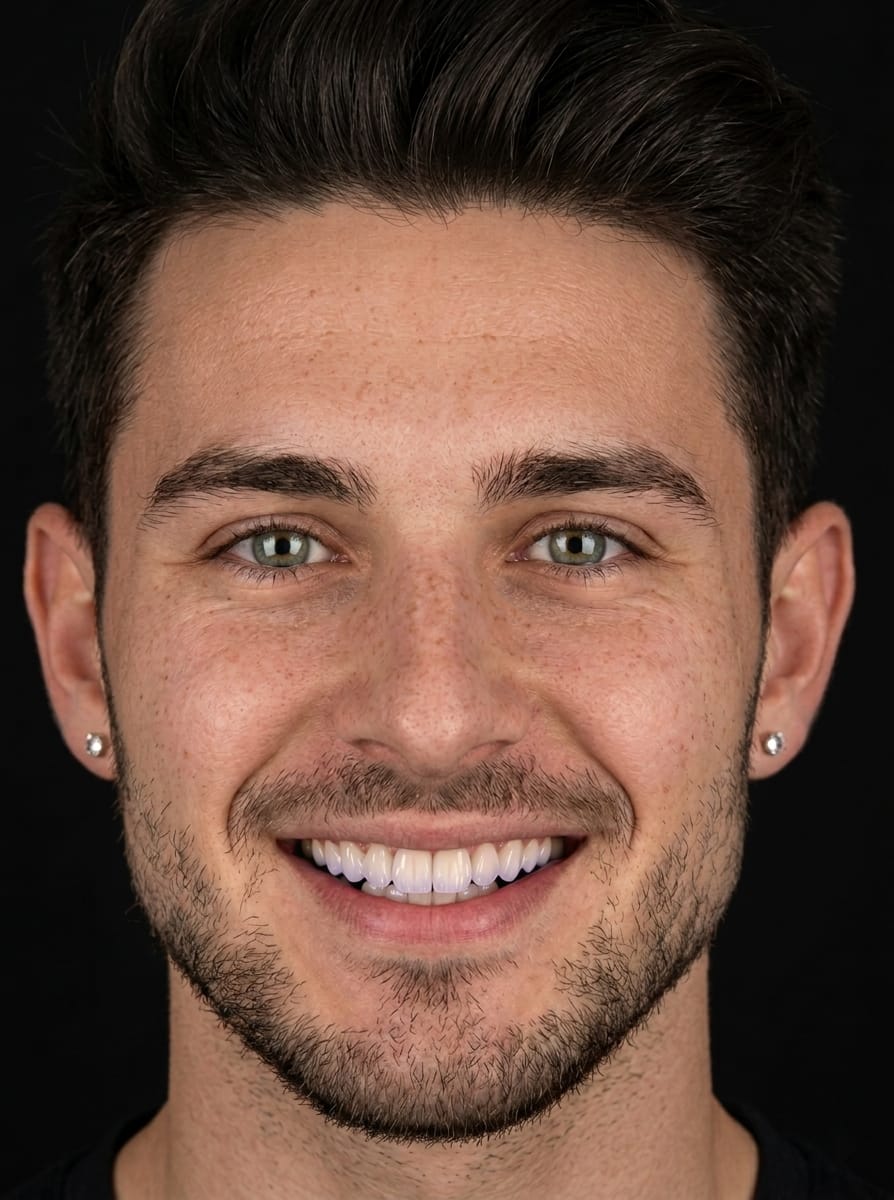
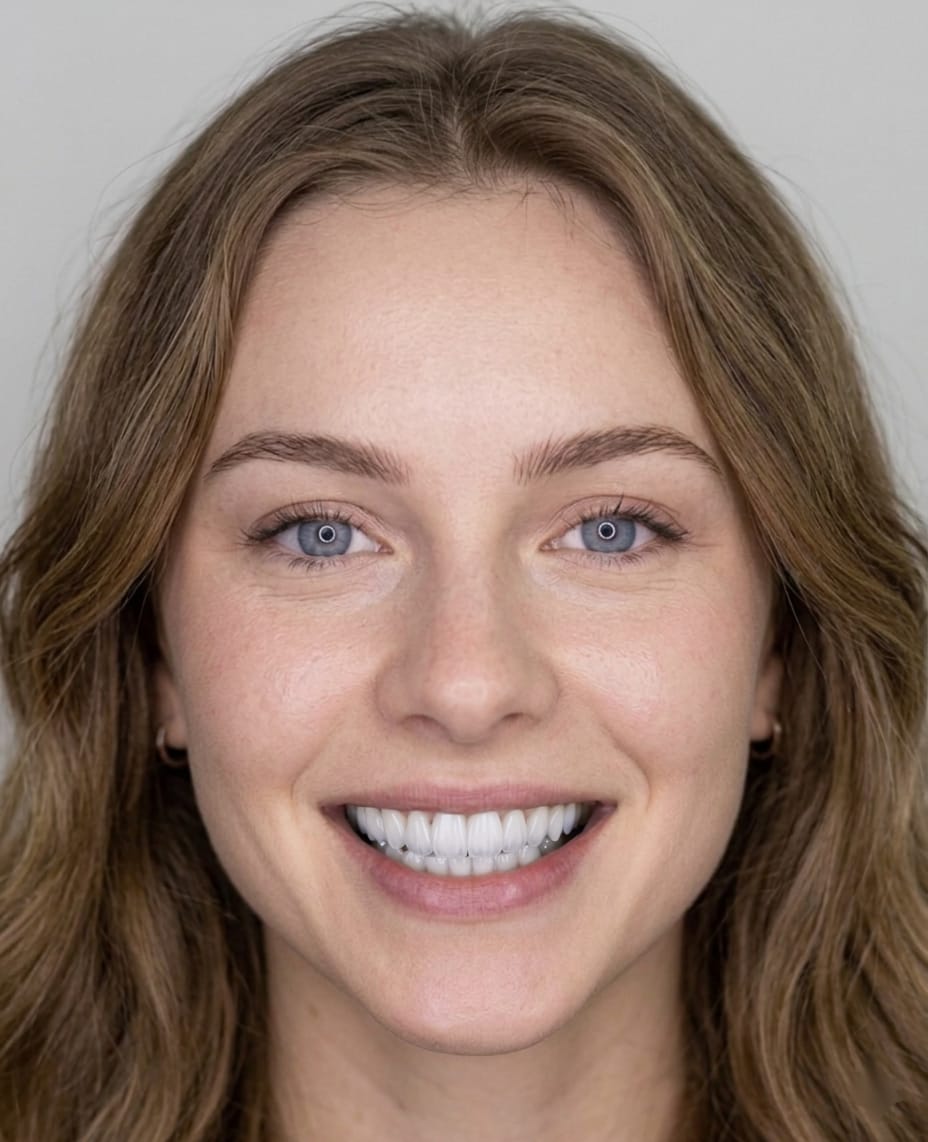
A patient's portrait, as a practice would upload it Your upload

How your photos are handled

Just uploaded The result link expires within 1 hour.

Deleted after about one day Kept
Uploaded photos are removed approximately one day after upload.
Result link Within 1 hour
Result links expire within 1 hour.
Not used to train models Never
Images are never used to train AI models.

A Business Associate Agreement is available on request. The detail is in the privacy policy.

Key facts

Product
A web application that turns a patient photo into a photorealistic smile simulation, for dental consultations and case presentations.
Operations
Smile makeover, whitening, shade refine, alignment preview and video.
Retention
Uploaded photos are removed approximately one day after upload. Result links expire within 1 hour.
Training
Images are never used to train AI models.
BAA
A Business Associate Agreement is available on request.

Frequently asked questions

What it is, what photo it needs, and how patient images are handled.

A question that isn't here — support@smilecraft.app

What is SmileCraft AI?

A web application that turns a patient photo into a photorealistic smile simulation, so dental practices can show outcomes during consultations and case presentations.

How do I get started?

Start free in the web app at app.smilecraft.app, or book a demo with the team if you want a walkthrough for your practice.

Is there an API for platforms?

The Enterprise API section of this site describes the server-to-server integration path for platforms, DSOs and aligner brands.

How is patient data handled?

The homepage section on photo handling states the approximate one-day deletion, the one-hour result links, and that images are not used to train models. A Business Associate Agreement is available upon request.

Is SmileCraft AI HIPAA compliant?

Yes. SmileCraft AI is HIPAA-compliant. Uploaded photos are deleted approximately one day after upload, result URLs expire within 1 hour, and images are never used to train AI models. A Business Associate Agreement (BAA) is available upon request.

Using SmileCraft yourself?

The consumer experience lives in the web app — try simulations on your own photo.

Open the app

Ready to show patients their new smile?

Join hundreds of dental practices using SmileCraft AI to increase patient engagement and treatment acceptance.

Start free Book a demo